
Getting Started
In just a few minutes, you can start using Mediator for AI creation.
Get an API Key
Mediator uses the Google AI Studio API. You need to get an API Key first.
Video Tutorial
Prefer learning by video? Check out the tutorial on the API Key Management page to learn how to get an API Key and claim $300 in free credits.
Step 1: Go to Google AI Studio
- Open Google AI Studio
- Sign in with your Google account
Step 2: Create an API Key
- Click "Get API key" in the left menu
- Click "Create API key"
- Select a Google Cloud project (or create a new one)
- Copy the generated API Key
Billing Account Required
Mediator uses the Gemini 3 Pro Image model (gemini-3-pro-image-preview) for image generation. This model has no free tier and requires enabling Billing on your Google Cloud project to use.
How to set up:
- Go to Google Cloud Console
- Enable Billing for your project
- Link a credit card or other payment method
We recommend setting a budget alert to avoid unexpected charges.
Note
Keep your API Key safe. Don't share it with others or expose it publicly online.
Step 3: Set Up in Mediator
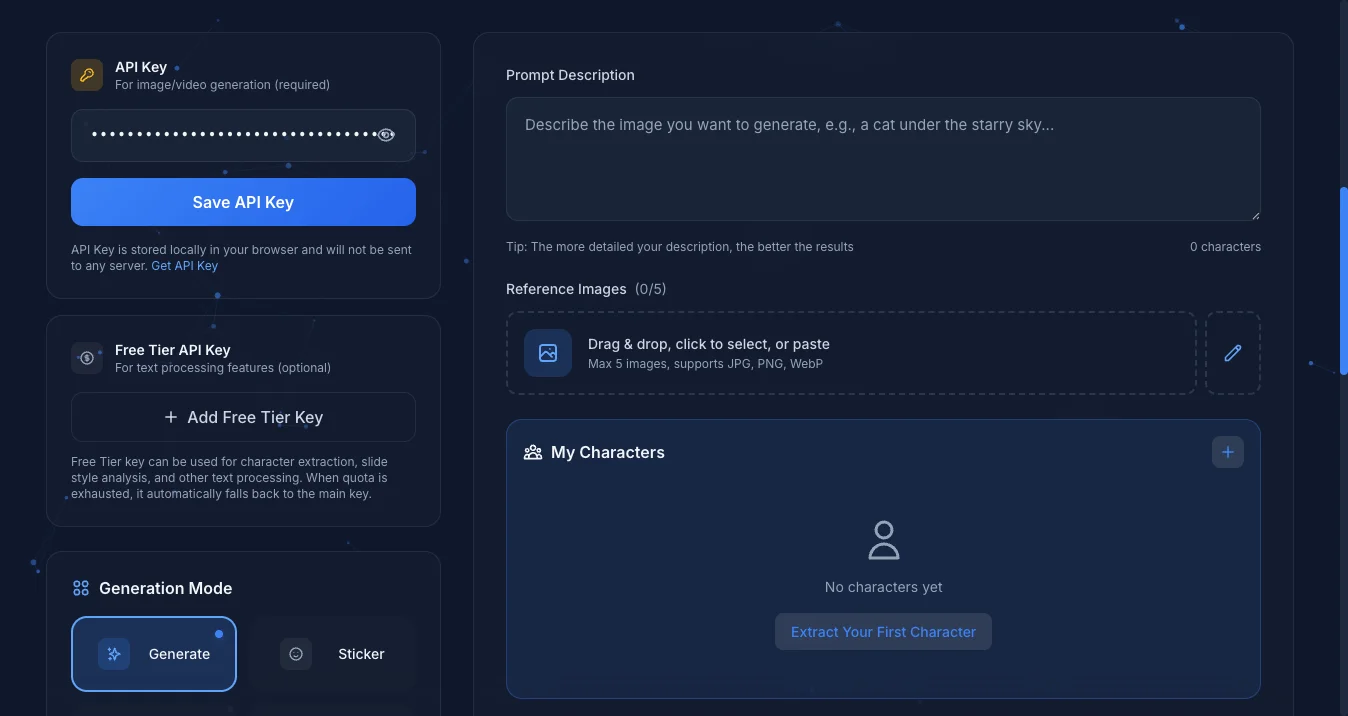
- Open the Mediator app
- Paste your Key in the "API Key" field
- Click "Save API Key" to save
Your First Image
After setting up your API Key, let's generate your first image:
- Make sure the mode is "Generate" (default)
- Enter a description in the prompt input, for example:
A cute orange cat sitting on a windowsill, with sunlight streaming in- Click the "Generate" button
- Wait a few seconds, and voilà, your image will appear!
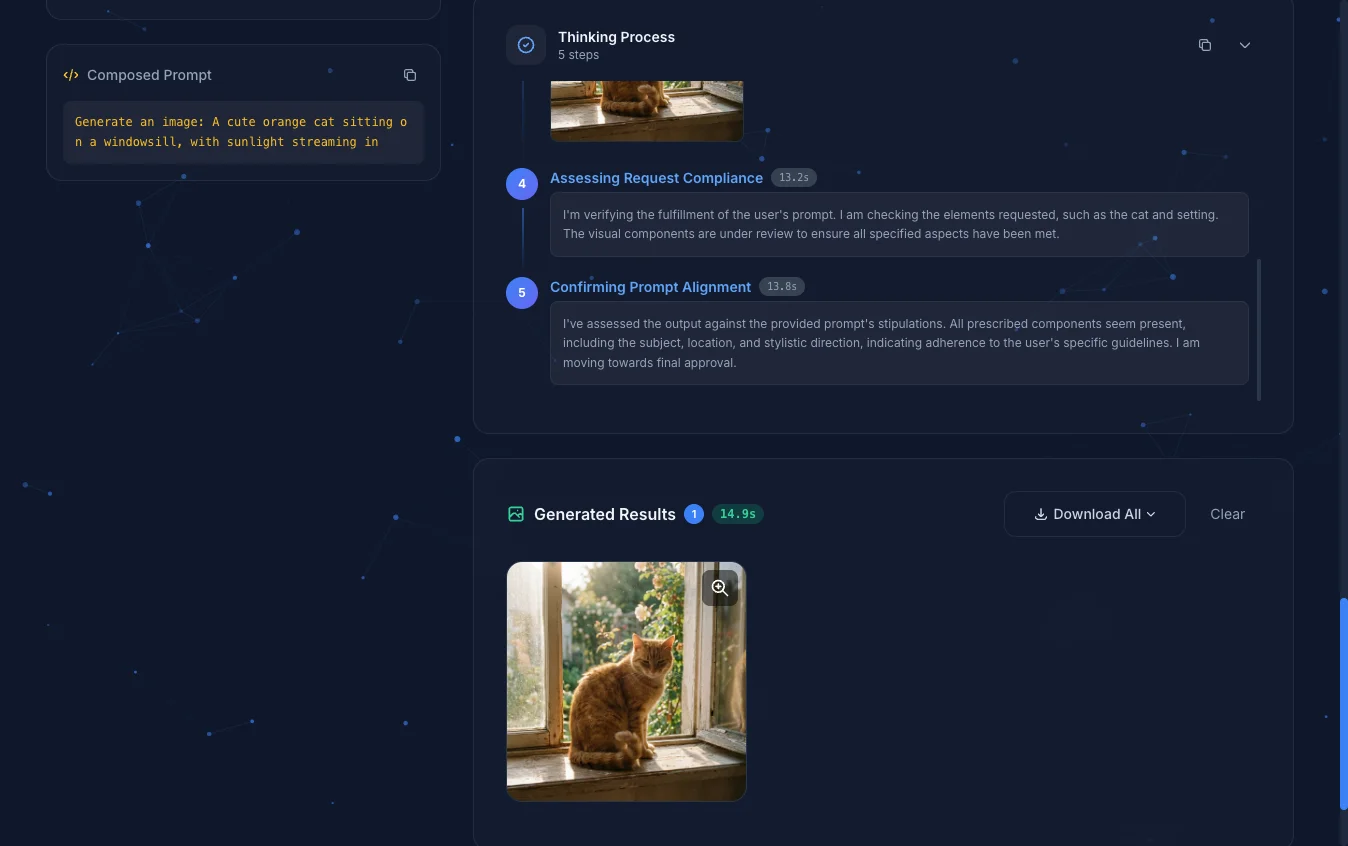
After generation completes, images will appear in the "Generated Results" area. You can click on images to open the lightbox for viewing and downloading. All generation records are automatically saved to the "History" panel on the left.
For more detailed interface explanations, see Generate Mode.
Dual API Key Mode (Advanced)
If you have a paid account, you can set up two API Keys:
- Primary Key: For image and video generation (requires billing enabled)
- Free Tier Key: For text processing (character extraction, style analysis, slide styling, slide content generation)
This helps save your paid quota. See API Key Management for details.
Next Steps
- Image Generation - Learn more generation options
- Sticker Generation - Create custom stickers
- Video Generation - Generate videos with Veo 3.1